Best Free Project Management Tools for Webflow Freelancers (2026)
If you're a Webflow freelancer, you already know the drill. You're juggling multiple clients, tracking revision requests in your inbox, losing deadlines in Slack threads, and somehow trying to keep everything together without losing your mind.
The right project management tool changes all of that. And the best part? You don't need to pay for one.
Here are the best free options in 2026 - tested from a Webflow freelancer's perspective.
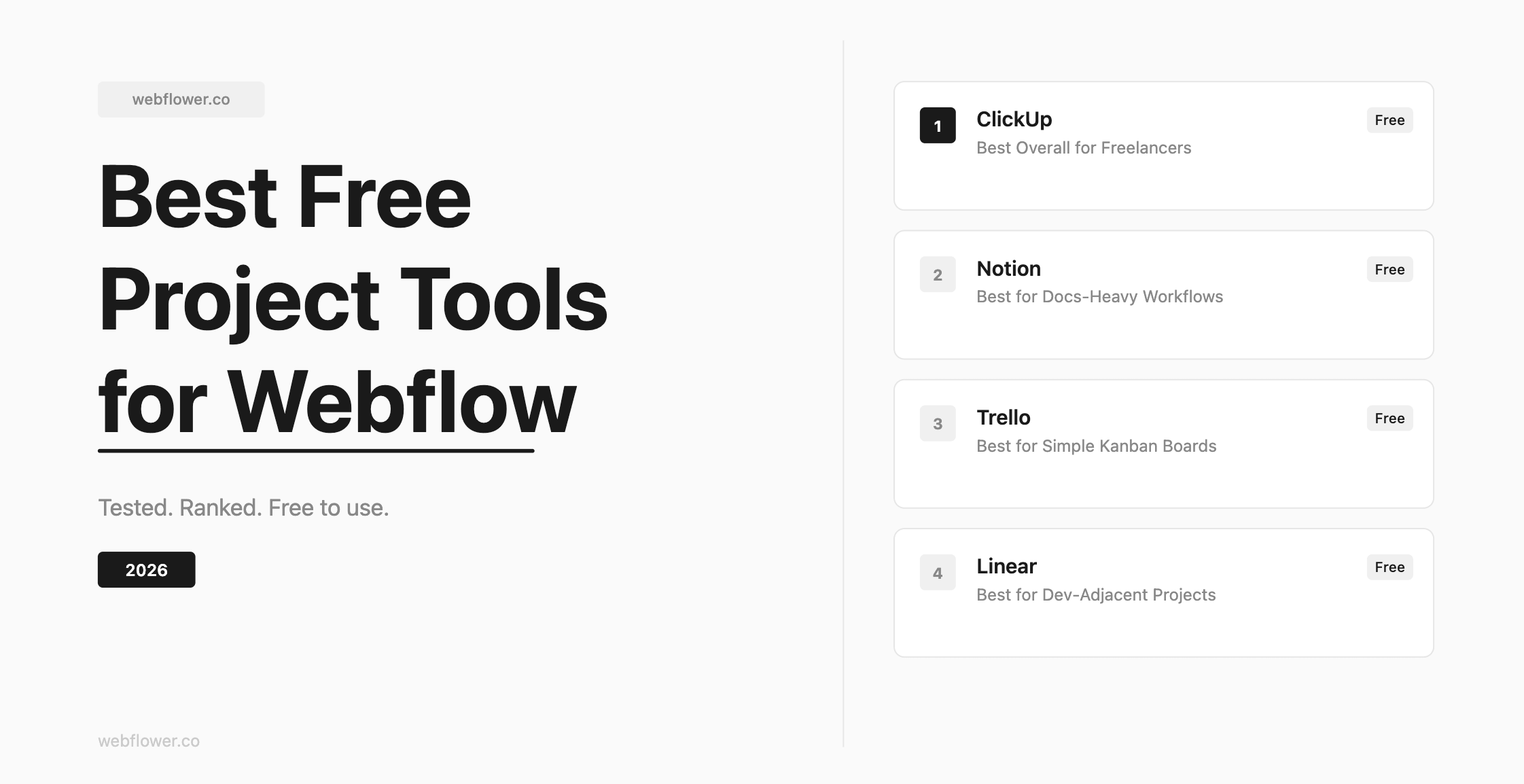
1. ClickUp - Best Overall for Freelancers
Free plan: Yes, and it's genuinely generous.
ClickUp is the one we actually use at Webflower to manage client projects, content schedules, and everything in between.
What makes it work for Webflow freelancers specifically:
You can create a separate Space for each client, with its own tasks, deadlines, and documents. The Docs feature lets you store briefs, feedback notes, and revision history all in one place. Custom views (List, Board, Calendar) mean you can switch between however you think about your work. The free plan has no seat limit, so you can invite clients to review tasks without upgrading.
The learning curve is real - ClickUp has a lot of features. But once you set up a basic client template, onboarding new projects takes minutes.
Best for: Freelancers managing 3+ active clients who need structure without paying for it.
Try ClickUp free - no credit card needed: https://try.web.clickup.com/sign-up
2. Notion - Best for Documentation-Heavy Workflows
Free plan: Yes.
Notion is excellent if your workflow is more documentation-heavy than task-heavy. Many Webflow freelancers use it as a client portal - sharing project briefs, content structures, and design notes in a clean, readable format.
The downside: Notion's task management is not its strength. If you need proper deadlines, assignees, and status tracking, you'll feel the limitations quickly. It works better as a second tool alongside something like ClickUp than as a standalone project manager.
Best for: Freelancers who want a polished client-facing workspace for docs and wikis.
3. Trello - Best for Simple Kanban Boards
Free plan: Yes, unlimited cards on unlimited boards.
Trello is the simplest option here. If your workflow is straightforward - To Do, In Progress, Done - Trello gets the job done without any friction. It's fast to set up and easy to share with clients who aren't tech-savvy.
The limitation is scale. Once you have more than 2-3 active projects running in parallel, Trello's flat kanban structure starts to feel cramped. There's no native time tracking, no document storage, and no way to get a cross-project view of your deadlines.
Best for: Solo freelancers with simple, linear project workflows.
4. Linear - Best for Dev-Adjacent Webflow Projects
Free plan: Yes, for up to 3 members.
Linear is built for software teams, but it works surprisingly well for Webflow projects that involve custom code, integrations, or larger development workflows. The speed is its standout feature - everything feels instant.
That said, it's overkill for most Webflow freelancers. If you're a pure designer or no-code builder, Linear's feature set will feel like too much. If you're building complex Webflow apps with client developers, it's worth a look.
Best for: Webflow developers working on code-heavy projects with small teams.
Our Recommendation
If you're a Webflow freelancer looking for one tool that handles client management, task tracking, and project documentation without a monthly bill, start with ClickUp.
The free plan is more than enough to manage a full client roster. Set up one Space per client, use the Board view for active tasks, and the Docs section for briefs and feedback. That's a complete system - for free.
Sign up here and get started in under 5 minutes: https://try.web.clickup.com/sign-up
Start Your Webflow Journey
Discover the power of Webflow and begin creating beautiful, responsive websites today. Click below to get started directly on Webflow’s platform.
You Might Also Like
Explore our recommended articles for more Webflow tips, tricks, and inspiration to enhance your design workflow.