Automating Webflow with n8n: Complete Guide to Workflow Automation
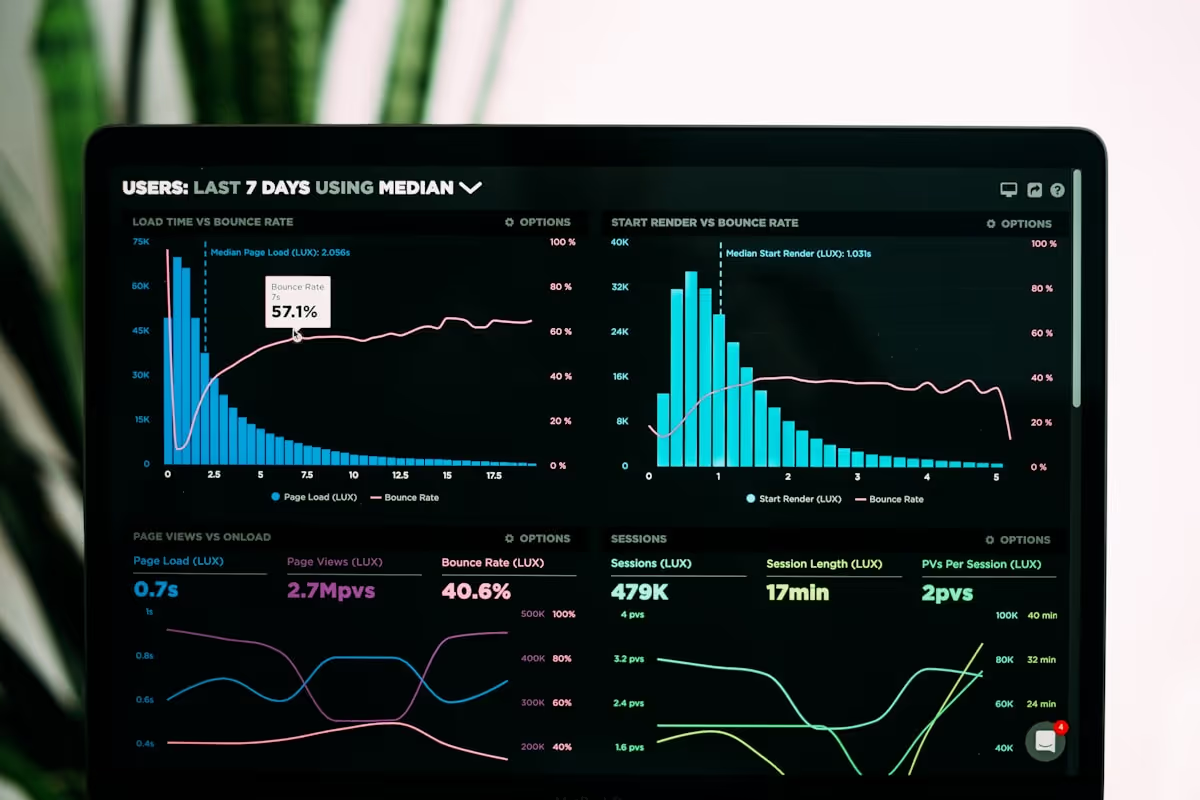
Managing a Webflow site involves countless repetitive tasks: updating CMS content, processing form submissions, syncing data between platforms, and monitoring site performance. What if you could automate all of this? Enter n8n, the powerful workflow automation platform that transforms how you work with Webflow.
What Is n8n
n8n is an open-source workflow automation tool that connects apps and services through visual workflows. Unlike traditional automation platforms that lock you into their ecosystem, n8n gives you complete control and flexibility. You can self-host it or use their cloud service, and you own all your data and workflows.
- Visual workflow builder for creating automations
- 400+ integrations with popular apps and services
- Advanced logic and data transformation capabilities
- Self-hosted or cloud options available
- Fair-code license with transparent pricing
For Webflow users, n8n opens unlimited possibilities for automation, integration, and workflow optimization.
Why Automate Webflow with n8n
Webflow is powerful, but it does not natively connect to every tool your business uses. Manual data entry wastes time. Keeping content synchronized across platforms is tedious. Form submissions need processing and routing. These challenges disappear with n8n automation.
n8n bridges the gap between Webflow and your entire tech stack. Automate content updates from external sources. Process form submissions intelligently. Sync data bidirectionally with CRM systems. Monitor site performance and trigger actions based on specific conditions.
Getting Started with n8n
Starting with n8n takes just minutes. You can choose between self-hosting (free and open-source) or using n8n Cloud for managed hosting. The cloud option handles infrastructure, updates, and scaling, letting you focus purely on building workflows.
After signing up, you will find an intuitive visual editor where you build workflows by connecting nodes. Each node represents an action or trigger, and you connect them to create sophisticated automation sequences.
Connecting n8n to Webflow
n8n includes native Webflow integration with full API support. Connect your Webflow account through API credentials, and you gain programmatic access to your sites, collections, and items. This connection enables both reading data from Webflow and writing data back to it.
- Read and update CMS collection items
- Create new pages and collection entries
- Manage site publishing and staging
- Access form submissions and site data
- Trigger workflows based on Webflow events
The authentication setup is straightforward, and n8n handles all the technical details of API communication.
Essential Webflow Automation Workflows
Some automation patterns prove useful for nearly every Webflow site. Automatic content synchronization keeps your CMS updated from external sources like Airtable, Google Sheets, or databases. Form submission processing routes inquiries to the right team members and logs data to your CRM.
Scheduled content publishing lets you prepare blog posts or product updates in advance and publish them automatically at optimal times. Image optimization workflows compress and optimize images before adding them to your site, improving performance automatically.
CMS Content Automation
Managing CMS content manually becomes overwhelming as your site grows. n8n automates this completely. Pull product data from your inventory system and update Webflow automatically. Sync blog posts from your content management tool. Import event listings from external calendars.
These automations run on schedules you define or trigger instantly when source data changes. Your Webflow CMS stays current without manual intervention, and you avoid the errors that come with manual data entry.
Form Submission Workflows
Webflow forms collect submissions, but processing them often requires additional steps. n8n can grab new form submissions, validate and clean the data, route leads to your CRM, send notifications to relevant team members, trigger email sequences, and log everything for analysis.
- Conditional routing based on form content
- Data enrichment from external sources
- Multi-step approval processes
- Integration with support ticketing systems
- Custom notification logic based on urgency
This transforms basic form submissions into intelligent lead processing machines.
E-commerce Automation
For Webflow e-commerce sites, n8n enables powerful automation. Sync inventory levels with your fulfillment system. Send order confirmations through your preferred email service. Create customer records in your CRM automatically. Generate invoices and update accounting software.
Abandoned cart recovery becomes automated. Track when visitors add items but do not complete checkout, then trigger personalized follow-up sequences. This automation often recovers significant revenue that would otherwise be lost.
Multi-Platform Content Syndication
Publishing content once and distributing it everywhere saves enormous time. Create a blog post in Webflow, and n8n can automatically post excerpts to social media platforms, update your newsletter draft, notify your team in Slack, and update any external content directories.
This syndication happens instantly or on a schedule you control. Your content reaches maximum audience with minimum manual effort.
Advanced Data Transformations
n8n excels at transforming data between different formats and structures. Pull data from APIs in one format, transform it to match your Webflow CMS structure, and insert it seamlessly. This works even when source systems use completely different data models than Webflow expects.
- JSON to Webflow CMS format conversion
- Date and time zone adjustments
- Text formatting and cleanup
- Complex calculations and aggregations
- Multi-source data merging
These transformations handle the technical complexity automatically, ensuring data flows smoothly between systems.
Monitoring and Alerts
n8n can monitor your Webflow site and trigger actions based on conditions. Check site performance metrics and alert your team if issues arise. Monitor CMS content for specific changes. Track form submission volumes and flag unusual patterns. Watch for inventory levels dropping below thresholds.
This proactive monitoring catches problems before they impact users and enables quick response to opportunities.
Scheduling and Time-Based Automation
Many workflows benefit from running on schedules rather than constantly. n8n includes powerful scheduling capabilities. Publish content at optimal times for your audience. Generate weekly performance reports automatically. Clean up old draft items periodically. Sync data from external systems during off-peak hours.
Scheduled workflows run reliably without manual intervention, making your site feel like it has a dedicated automation team working 24/7.
Error Handling and Reliability
Production automation requires robust error handling. n8n includes sophisticated error management. Retry failed operations automatically with exponential backoff. Route errors to different paths for custom handling. Send notifications when workflows fail. Log all execution details for debugging.
This reliability means your automations work consistently even when external systems have temporary issues.
Real-World Use Case: Blog Automation
Consider a content team managing a Webflow blog. They write posts in Notion, where collaboration and drafting happen. An n8n workflow monitors Notion for posts marked "Ready to Publish", automatically pulls the content, transforms it to Webflow's structure, creates the blog post in Webflow CMS with proper formatting and metadata, uploads and optimizes featured images, and publishes according to the scheduled date.
This automation eliminates manual content migration and ensures consistent formatting across all posts.
Use Case: Client Portal Automation
Agencies using Webflow for client sites can automate client portal updates. When project milestones complete in your project management tool, n8n updates the client portal in Webflow automatically, generates and sends progress reports, and triggers notification emails to stakeholders.
Clients stay informed without constant manual updates, improving satisfaction while reducing administrative work.
Integration with Marketing Tools
Connect Webflow to your entire marketing stack through n8n. Add form submitters to email marketing lists automatically. Track conversions in analytics platforms. Update advertising campaign data. Sync customer data with marketing automation tools.
- Email marketing platform integration
- CRM synchronization
- Analytics and conversion tracking
- Social media management
- Marketing automation triggers
This integration creates a unified marketing ecosystem where data flows seamlessly between all platforms.
Self-Hosted vs. Cloud n8n
n8n offers flexibility in deployment. Self-hosting gives you complete control and is free for unlimited workflows. You manage the infrastructure but own everything. n8n Cloud provides managed hosting with automatic updates, scaling, and maintenance. Choose based on your technical capabilities and preferences.
Many users start with n8n Cloud for simplicity, and some eventually self-host for maximum control. Both options provide the same powerful automation capabilities.
Building Your First Webflow Automation
Start simple and expand gradually. A good first automation might monitor a Google Sheet for new rows and create corresponding Webflow CMS items. This demonstrates the core pattern: trigger (new sheet row), transform (format data), and action (create in Webflow).
Once this works, add complexity: data validation, error handling, notifications, or additional actions. This iterative approach builds confidence and understanding.
Best Practices for Webflow Automation
Successful automation follows certain principles. Test thoroughly in development before production deployment. Include error handling for every external API call. Log important events for troubleshooting. Document workflows for team members. Monitor execution and performance regularly.
These practices ensure automations remain reliable and maintainable as your needs evolve.
Getting Started with n8n Today
Ready to transform your Webflow workflow with automation? n8n makes it straightforward. The platform includes comprehensive documentation, video tutorials, and an active community. Start with their free tier or self-hosted option to explore capabilities risk-free.
The visual workflow builder means you can create powerful automations without writing code, though developers can add custom JavaScript when needed for advanced scenarios.
Begin your automation journey: Sign up for n8n and start building workflows that save hours every week while making your Webflow site more powerful and responsive.
Conclusion
Automation transforms how you work with Webflow. Tasks that once consumed hours happen automatically. Data stays synchronized across platforms without manual intervention. Your site becomes more dynamic and responsive to changing business needs.
n8n provides the automation infrastructure Webflow needs to integrate seamlessly with your entire tech stack. Whether you are managing content, processing forms, syncing e-commerce data, or building complex multi-step workflows, n8n handles the technical complexity while you focus on results.
The combination of Webflow's visual design power and n8n's automation capabilities creates a website management system that is both powerful and efficient. Stop spending time on repetitive tasks and start building automation that works for you 24/7.
Start Your Webflow Journey
Discover the power of Webflow and begin creating beautiful, responsive websites today. Click below to get started directly on Webflow’s platform.
You Might Also Like
Explore our recommended articles for more Webflow tips, tricks, and inspiration to enhance your design workflow.