Client Onboarding Best Practices for Webflow Designers

A well-structured client onboarding process is the foundation of successful Webflow projects. The way you start a project often determines its outcome, affecting everything from client satisfaction to project profitability. This comprehensive guide covers everything you need to create a smooth, professional onboarding experience.
Why Onboarding Matters
First impressions set the tone for your entire working relationship. A professional onboarding process demonstrates your expertise, builds trust, and establishes clear communication patterns. It also significantly reduces misunderstandings and scope creep later in the project.
- Establishes professional credibility from day one
- Sets clear expectations for deliverables and timelines
- Creates structured communication channels
- Reduces project delays and revisions
- Improves client satisfaction and referral rates
Pre-Onboarding Preparation
Before your first official meeting, gather essential information through a detailed questionnaire. Ask about business goals, target audience, competitors, brand guidelines, and technical requirements. This preparation allows you to enter the onboarding meeting with informed questions and initial recommendations.
Create a welcome packet that includes your process overview, team introduction, communication guidelines, and what clients should prepare. This document should feel professional yet approachable, reflecting your brand personality while setting professional boundaries.
The Kickoff Meeting
Your kickoff meeting is where relationships truly begin. Use this time to review project goals, establish success metrics, and align on the vision. Walk through your design process step by step, explaining what happens at each stage and what client involvement looks like.
- Review and refine project objectives together
- Clarify roles and responsibilities for both sides
- Establish decision-making processes and approval workflows
- Set realistic timelines with buffer for revisions
- Agree on communication frequency and channels
Document everything discussed and send detailed meeting notes within 24 hours. This creates a reference point that prevents misunderstandings later.
Setting Up Project Infrastructure
Establish your project workspace immediately after the kickoff. This includes setting up shared folders, project management tools, and communication channels. Give clients access only to what they need, keeping your internal processes separate.
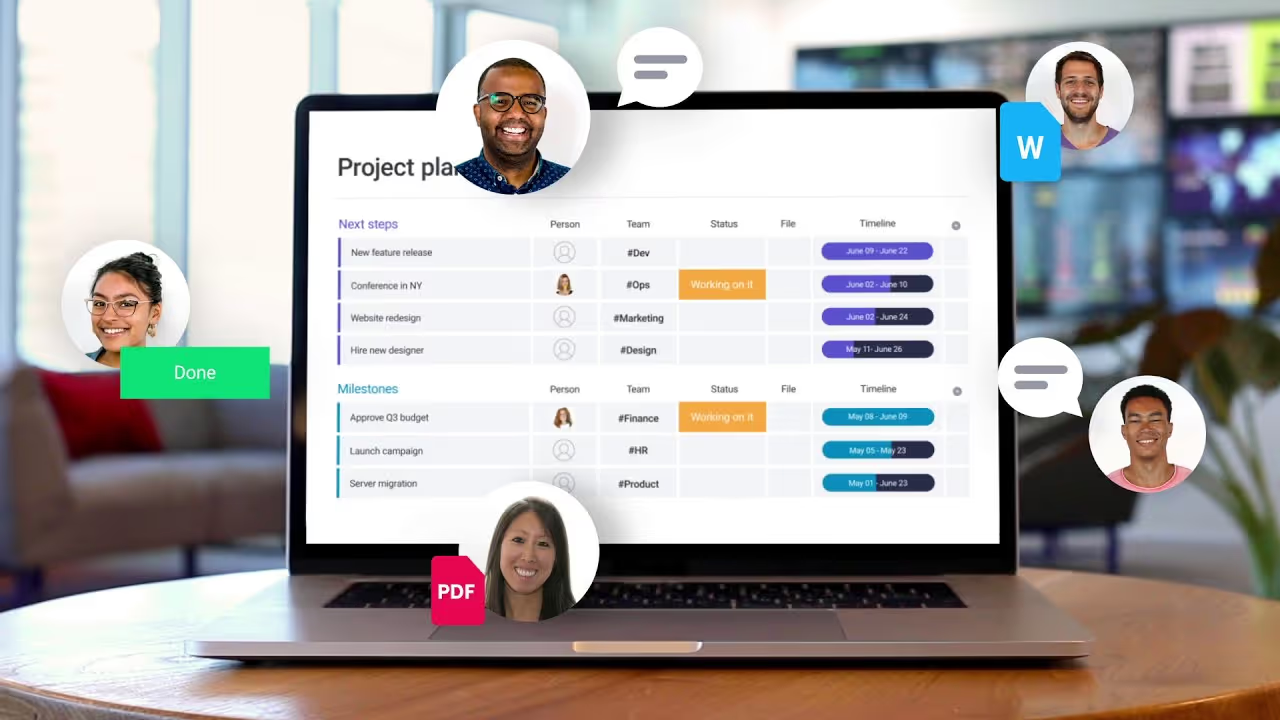
Create a centralized hub where clients can find everything project-related: timelines, deliverables, brand assets, and meeting notes. Tools like Notion, Airtable, or even a simple shared Google Drive folder work well for this purpose.
Managing Expectations
Clear expectation management prevents most client relationship problems. Be explicit about your working hours, response times, and revision policies. Explain your design process including how many revision rounds are included and what happens if additional changes are needed.
- Define specific deliverables at each project phase
- Clarify what feedback formats work best (written vs. verbal)
- Establish protocols for urgent requests
- Set boundaries around scope and additional work
- Explain your quality assurance process
Content and Asset Collection
Nothing delays projects more than waiting for content and assets. Create a detailed checklist of everything you need, organized by project phase. Provide clear specifications for images, copy, brand assets, and any third-party integrations.
Set firm deadlines for asset delivery and explain how delays on their end affect the overall timeline. Many designers include a pause clause in contracts—if client assets aren't provided within a specified timeframe, the project pauses without extending the deadline.
Webflow-Specific Onboarding
When working with Webflow, specific onboarding steps ensure smooth handoff later. Discuss hosting preferences early, determine who will manage the Webflow account, and plan training needs for content updates post-launch.
- Explain Webflow hosting benefits and requirements
- Determine CMS structure and content management responsibilities
- Plan Editor training sessions for client team
- Set up proper account permissions and billing
- Discuss ongoing maintenance and support options
Communication Protocols
Establish how you'll communicate throughout the project. Specify primary and secondary channels, response time expectations, and meeting frequency. Some designers use email for formal approvals, Slack for quick questions, and scheduled video calls for substantial discussions.
Create a feedback template that helps clients provide constructive, actionable input. Many designers struggle with vague feedback like "make it pop"—teaching clients how to give better feedback saves time and frustration.
Documentation and Contracts
Beyond your main contract, create project-specific documentation that outlines the agreed scope, timeline, and deliverables. Use proposal software that clients can digitally sign, keeping everything organized and legally sound.
Include clear payment terms, revision policies, and what happens if the project scope changes. Address intellectual property rights, confidentiality, and termination clauses. Good documentation protects both parties and prevents disputes.
Building Long-Term Relationships
View onboarding as the start of an ongoing relationship, not just a single project. Plant seeds for future work by explaining additional services you offer. Share educational content that helps clients understand web design and development better.
Schedule regular check-ins even after project completion. Many clients need ongoing support, updates, or additional features. Staying top-of-mind leads to repeat business and referrals.
Conclusion
Effective client onboarding requires effort upfront but pays dividends throughout the project and beyond. By establishing clear processes, managing expectations proactively, and creating professional documentation, you set every project up for success.
Continuously refine your onboarding process based on lessons learned from each project. What works for one client type might need adjustment for another. The goal is creating a repeatable system that's flexible enough to adapt to different client needs while maintaining your professional standards.
Start Your Webflow Journey
Discover the power of Webflow and begin creating beautiful, responsive websites today. Click below to get started directly on Webflow’s platform.
You Might Also Like
Explore our recommended articles for more Webflow tips, tricks, and inspiration to enhance your design workflow.